
E-Commerce & Marketplaces
How to Start an Online Store With No Money: Step-by-Step
A step-by-step, low-cost route to your first online store — platform, products, payments and your first ten orders.
Independently researchedNo paid placementsEvery recommendation is disclosed
Key highlights
This guide covers how to start an online store with no money: step-by-step with practical steps, honest trade-offs, and clear recommendations.
Key highlights
- 1Most people who want to sell online stall at the same place: they assume a store needs money up front.
- 2Start with the product, not the shop.
- 3Next, choose where the store lives.
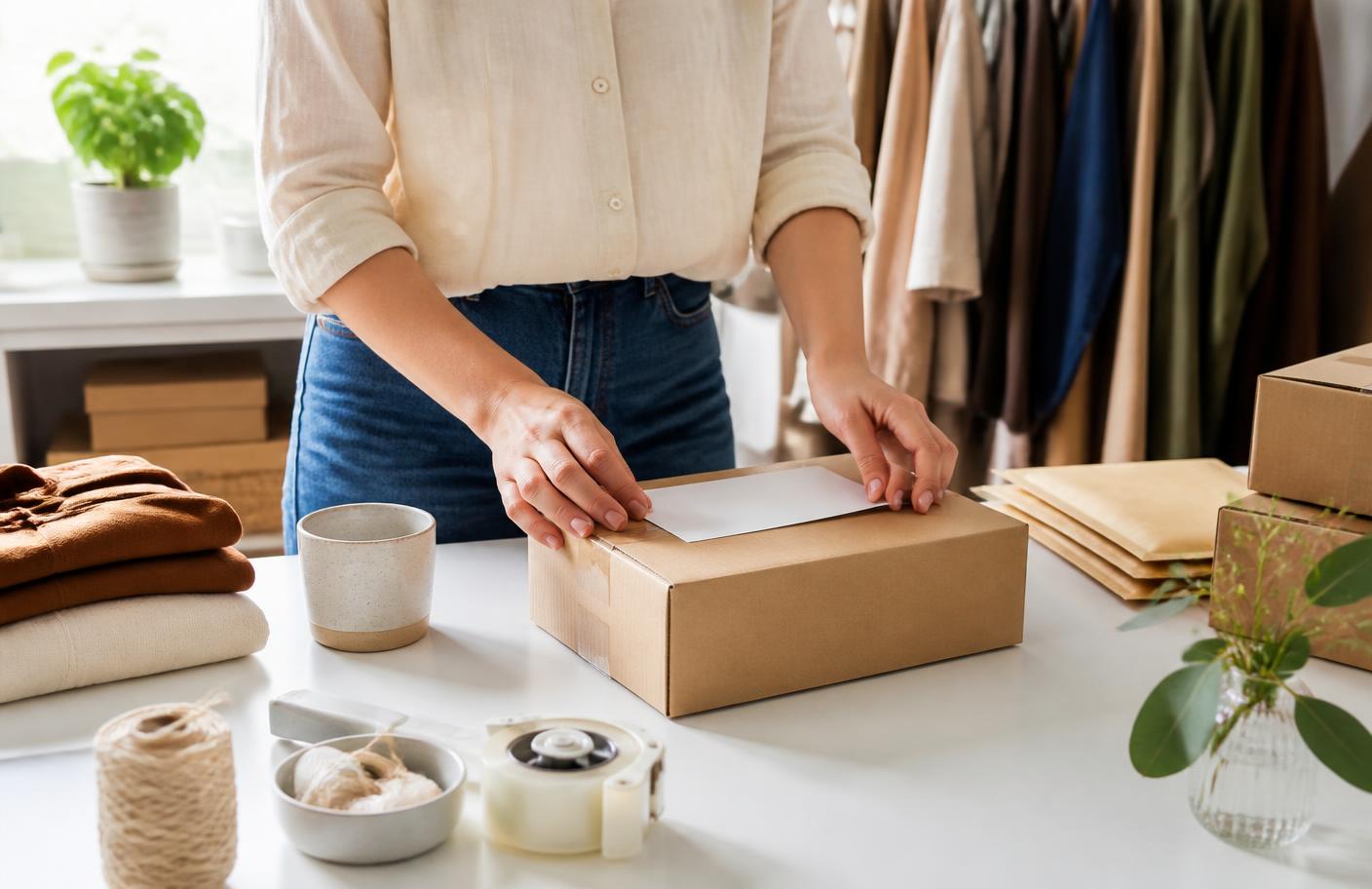
Some links on this page are affiliate links. If you sign up through them we may earn a commission at no extra cost to you.
Read more about who publishes this on the publisher profile.
Chapter 01 · The bottom line
The short answer
Most people who want to sell online stall at the same place: they assume a store needs money up front. It doesn't. What it needs is a narrow product idea, a platform you can actually operate, and a payment method that works on day one. Start with the product, not the shop. Pick something you can describe in.
Chapter 02 · How it works
Practical guide
Most people who want to sell online stall at the same place: they assume a store needs money up front. It doesn't. What it needs is a narrow product idea, a platform you can actually operate, and a payment method that works on day one.
Start with the product, not the shop. Pick something you can describe in one sentence and ship without specialist equipment. Narrow beats broad — "notebooks for nurses" sells faster than "stationery", because the buyer immediately recognises the item as made for them.
Most people who want to sell online stall at the same place: they assume a store needs money up front.
Related reading: Marketplace vs Your Own Online Store: Which Is Better?
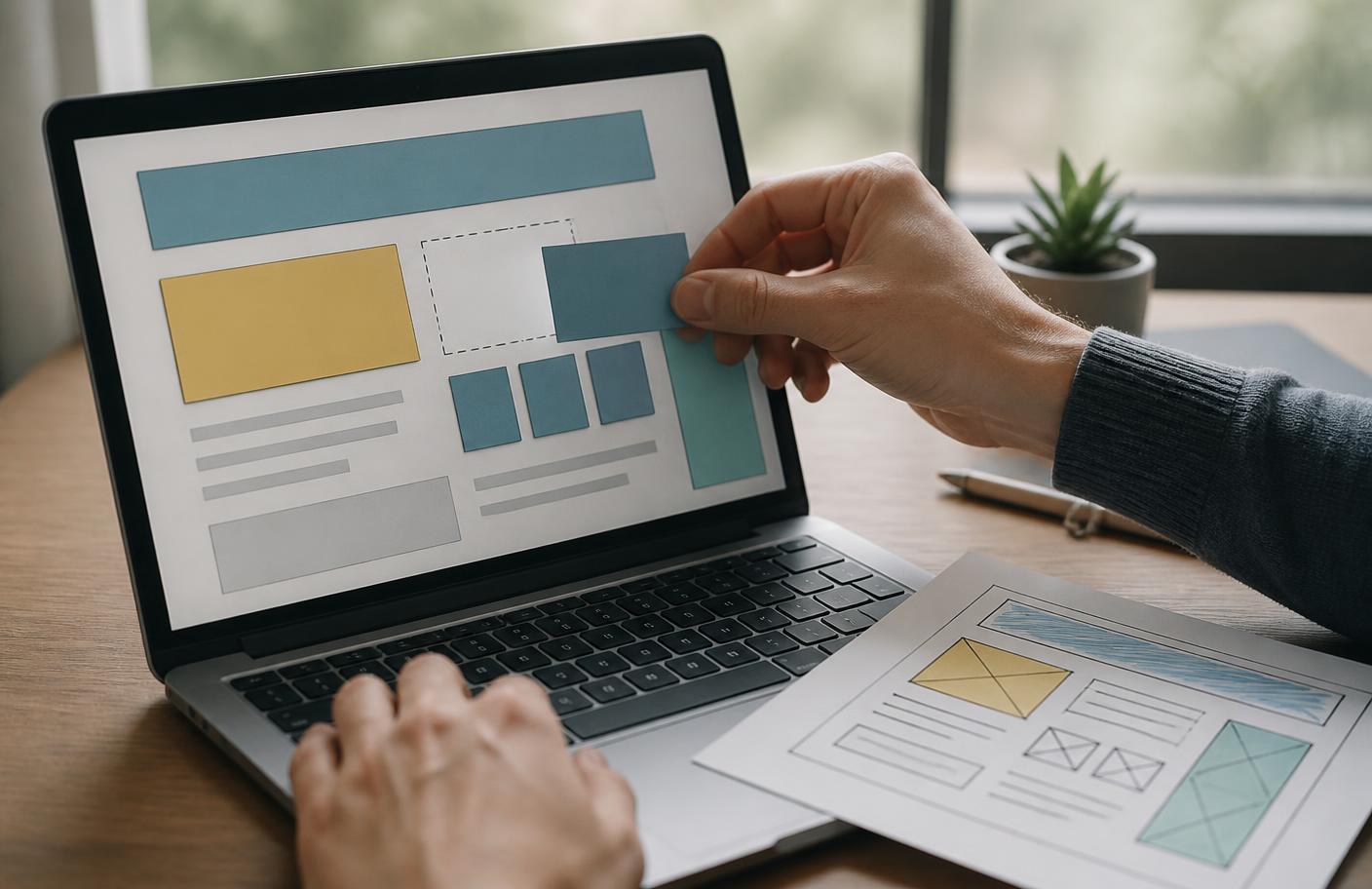
Next, choose where the store lives. A hosted store builder gets you trading in an afternoon and handles checkout, tax and security for you. A self-hosted site costs less monthly but hands you the maintenance. If this is your first store, choose speed: you learn more from ten real orders than from six weeks of setup.
Recommended: Lovable
Describe the site or app you want in plain English and get a real, custom build you own — no developer needed.
Try Lovable →Payments are simpler than they look. Every serious platform includes a card checkout you can switch on in minutes; you provide bank details and identity documents, and you're live. Don't delay launch to integrate extra payment options — add them once you know which ones customers ask for.

Photography is where cheap stores usually betray themselves. Daylight, a plain background and a phone camera beat a badly lit studio attempt. Shoot each product from three angles plus one shot showing scale or use.
Related reading: How to Find Products to Sell Online Before You Spend Money
Finally, the first ten orders. They rarely come from search engines — new stores aren't visible yet. They come from people who already know you, from a niche community where your product genuinely belongs, and from one or two small paid tests once you know the product converts.
Treat launch as an experiment with a deadline. Give yourself thirty days to list the product, make it purchasable, and get it in front of a defined group of people. If nobody buys, you've learned something cheaply. If they do, you have a business worth investing in.
Related reading: Product Page Checklist: What Every Product Page Should Include
Chapter 03 · What matters most
Key takeaways
- Most people who want to sell online stall at the same place: they assume a store needs money up front.
- Start with the product, not the shop.
- Next, choose where the store lives.
Watch out for: promises that remove every trade-off, cost or risk from the decision.
People also viewed
Top 3 in this niche, compared
Our editorial shortlist for e-commerce & marketplaces, ordered by how often it is the right first choice for a beginner. This is our own ranking, not a scored test — check current pricing and availability on each provider’s own site.
- 1
Fast landing pages when you only need one page to convert.
Who it is for: getting found and staying found. Not for: anyone with no offer to market yet.
Position 1 of 3 in our shortlist · best for getting found and staying found
Visit Leadpages - 2
Conversion-focused WordPress templates and opt-in forms.
Who it is for: getting found and staying found. Not for: anyone with no offer to market yet.
Position 2 of 3 in our shortlist · best for getting found and staying found
Visit Thrive Themes - 3
Build pages, funnels or documents without hiring a developer.
Who it is for: building a site without writing code. Not for: complex custom software with unusual requirements.
Position 3 of 3 in our shortlist · best for building a site without writing code
Visit GoHighLevel
Leadpages vs Thrive Themes
The two choices most people in e-commerce & marketplaces end up deciding between.
Leadpages
- Type:
- Desktop tool
- Best for:
- getting found and staying found
- Not for:
- anyone with no offer to market yet
- Why we list it:
- Fast landing pages when you only need one page to convert.
Thrive Themes
- Type:
- Desktop tool
- Best for:
- getting found and staying found
- Not for:
- anyone with no offer to market yet
- Why we list it:
- Conversion-focused WordPress templates and opt-in forms.
When Leadpages is the better choice
Choose Leadpages when your main job is getting found and staying found. Skip it if you are anyone with no offer to market yet.
When Thrive Themes is the better choice
Thrive Themes makes more sense when the priority is getting found and staying found. It is not the right pick for anyone with no offer to market yet.
Alternatives to Leadpages
Some links here are partner links — if you sign up we may earn a commission at no extra cost to you. How we review and recommend.
Recommended tools and apps
A short, honest shortlist: desktop tools you set up once, and phone apps you can use on the move. We keep the list small on purpose.
Some links below are partner links — if you sign up we may earn a commission at no extra cost to you. It never changes what we recommend. How we review and recommend.
- LeadpagesDesktop tool
Fast landing pages when you only need one page to convert.
- Best for
- getting found and staying found
- Not for
- anyone with no offer to market yet
- Thrive ThemesDesktop tool
Conversion-focused WordPress templates and opt-in forms.
- Best for
- getting found and staying found
- Not for
- anyone with no offer to market yet
- GoHighLevelDesktop tool
Build pages, funnels or documents without hiring a developer.
- Best for
- building a site without writing code
- Not for
- complex custom software with unusual requirements
- AliExpressPhone app
Selling platform or supplier tool for anyone running a store.
- Best for
- selling physical or digital products
- Not for
- a one-off sale you could make on a marketplace
Availability, pricing and eligibility change — always check on the provider’s own site. See every brand we recommend.
Recommended from Akacen
Related product guides

Dubai Wealth Secret
A plain-language review of the online income program and what it claims.
Tools used in this guide
Lovable
Describe the site or app you want in plain English and get a real, custom build you own — no developer needed.
Try LovableHostinger
Cheap, reliable hosting with domains included, so your first site and its address live in one place.
Try Hostinger
Chapter 04 · Before you decide
Decision checklist
Three checks to make before acting on this guide.
| Check | What good looks like |
|---|---|
| Clarity | You can explain how this applies to how to start an online store with no money: step-by-step in one sentence. |
| Cost | You understand the time and money required before committing. |
| Test | You can try a small, reversible version before expanding. |
Verdict: start with the smallest reversible version, then expand using real results.
Do this next
Your next steps
- 1You can explain how this applies to how to start an online store with no money: step-by-step in one sentence.
- 2You understand the time and money required before committing.
- 3You can try a small, reversible version before expanding.
Chapter 05 · Questions answered
Common questions
What is the best first step for how to start an online store with no money: step-by-step?
Most people who want to sell online stall at the same place: they assume a store needs money up front.
Which mistake matters most in e-commerce & marketplaces?
Avoid adding cost or complexity before you have tested the smallest practical step described in this guide.
How should I use this e-commerce & marketplaces guide?
Complete one practical action at a time, record what changed, and only add another tool when the next benefit is clear.
Chapter 06 · Final verdict
Final thoughts
The best approach to how to start an online store with no money: step-by-step depends on your current constraints, not the most popular option.
Use the checklist above to choose one small step, try it, and measure whether it actually saves time or money.
When you are ready, explore the related guides below and start with one small step.
Keep reading
Learn more
What to do next
Pick the smallest useful step from this guide and complete it before adding another tool or plan.
Related guides
- Marketplace vs Your Own Online Store: Which Is Better?
- How to Find Products to Sell Online Before You Spend Money
- Product Page Checklist: What Every Product Page Should Include
- How to Get Your First Customers Without Paid Ads
- Explore E-Commerce & Marketplaces
- Browse every Digital Business topic
- See the full index of guides
Akacen editorial team
Independent, practical publishing
Akacen covers online business, money, security and software. Guides combine careful research with practical checks, clearly marked partner links and no paid rankings.
About AkacenHow we reviewContactYouTubePinterestInstagramTikTok
Some links on this page are affiliate links. If you sign up through them we may earn a commission at no extra cost to you.
Read more about who publishes this on the publisher profile.