 Akacen Media
Crypto
Crypto Wallets Explained: Keep Your Own Keys Safely
Chapter 01 · Short answer
The short answer
A crypto wallet does not hold coins. It holds the private keys that authorise moving them, backed up by a recovery phrase. Software wallets are convenient but online, while hardware wallets keep keys offline. Store the phrase on paper in two separate places, never digitally, and test recovery before relying on it.
Hot wallets, hardware wallets and recovery phrases explained: how self-custody works and how people lose access.
Independently researched
Affiliate disclosure: Akacen may earn a commission if you buy through links on this page, at no extra cost to you.

How we review and verify tools
- Features, plans and trials are checked against the merchant's official website.
- We cite independent sources and never publish invented prices, ratings or guarantees.
- Paid partner links are always disclosed and never change what we write.
- Pages are re-checked and corrected when merchants change their offers.
Key takeaways
Akacen Media Verified Summary
- Wallets hold keys, not coins.
- Hardware wallets suit holdings you would hate to lose.
- Anyone with your recovery phrase controls the funds.
In this guide
Key highlights
Covers private keys, software and hardware wallets, recovery phrase storage, recovery testing and the common ways people lose access.
Key highlights
- 1A wallet manages keys, not coins.
- 2Hot wallets trade safety for convenience.
- 3Hardware wallets keep keys offline.
- 4The recovery phrase is the real asset.
- 5Untested backups often fail.
Chapter 02 · Practical guide & setup
Practical guide & setup
Context and priorities
What does a crypto wallet actually hold? Not coins. It holds the keys that authorise moving them, which is why protecting the wallet means protecting everything it controls.
This guide explains the main wallet types, how recovery phrases work, how to store them, and the mistakes that lead to permanent loss. General information only, not financial advice.
Wallets hold keys, not coins.
Related reading: Cryptocurrency for Beginners: What It Is in Plain English
Start with how keys work. A wallet creates a private key and a matching public address. The address is like an account number you can share, and the private key is the secret that authorises spending.
The coins themselves remain on the blockchain. The wallet is simply the tool that signs transactions using your key. That is why you can restore a wallet on a new device without moving any coins.
Self-custody means you hold the keys yourself, instead of leaving them with an exchange. It gives you control, but it also makes you the only person responsible for security and backups.
There is no password reset, no customer service and no way to freeze a transaction. That is the trade-off. Control and responsibility arrive together, and neither can be handed back.
Software wallets run on a phone or a computer. They are convenient, usually free, and connected to the internet, which is exactly the exposure. Malware or a stolen device can put the keys at risk.
They suit small amounts you use regularly, much like carrying cash in a pocket. Keep only what you would be comfortable losing on a device that also browses the web and installs apps.
Browser extension wallets deserve extra care. They interact with websites directly, so fake sites and malicious approvals are a constant danger. Always check the address of a site before connecting.
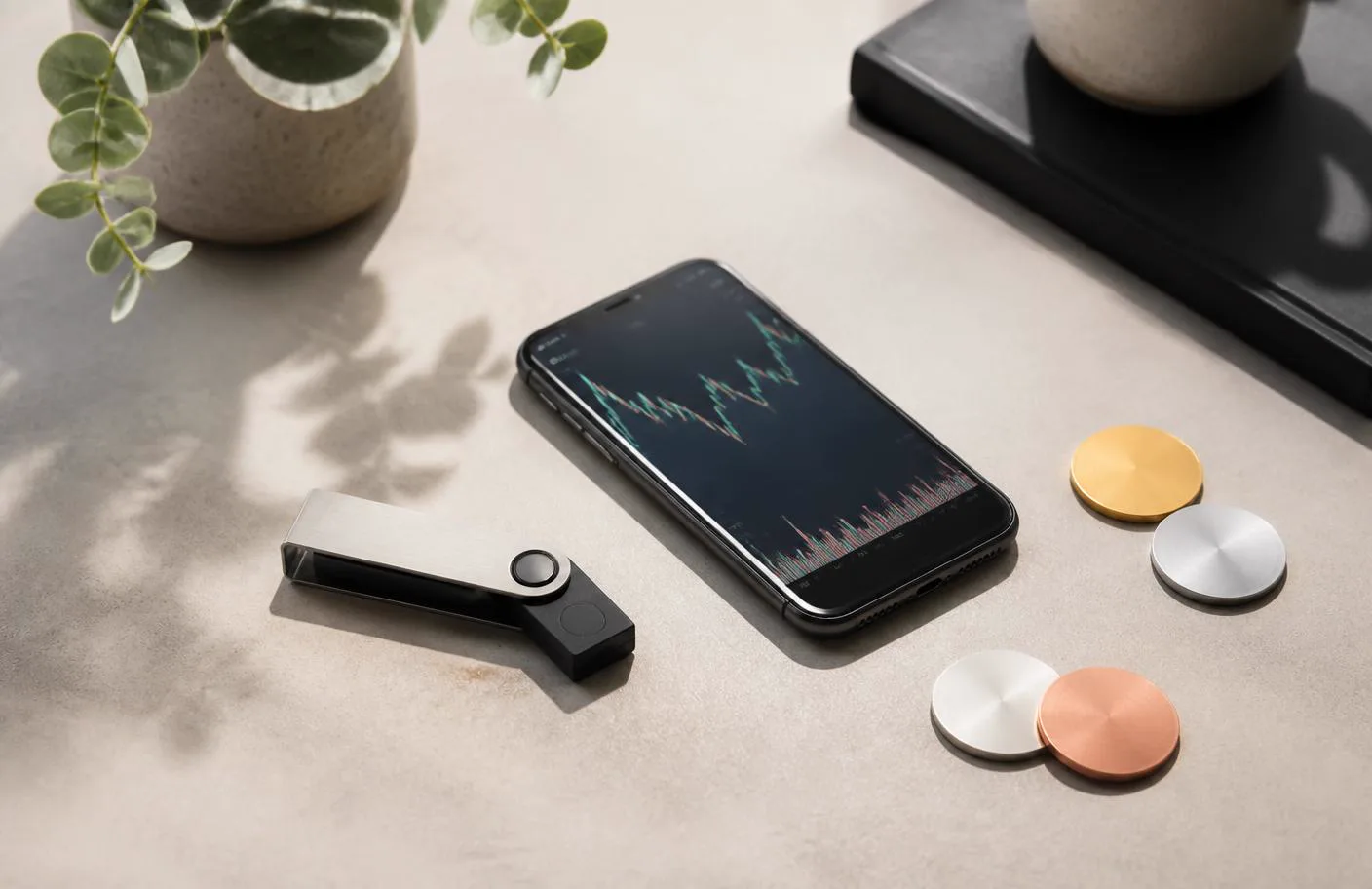
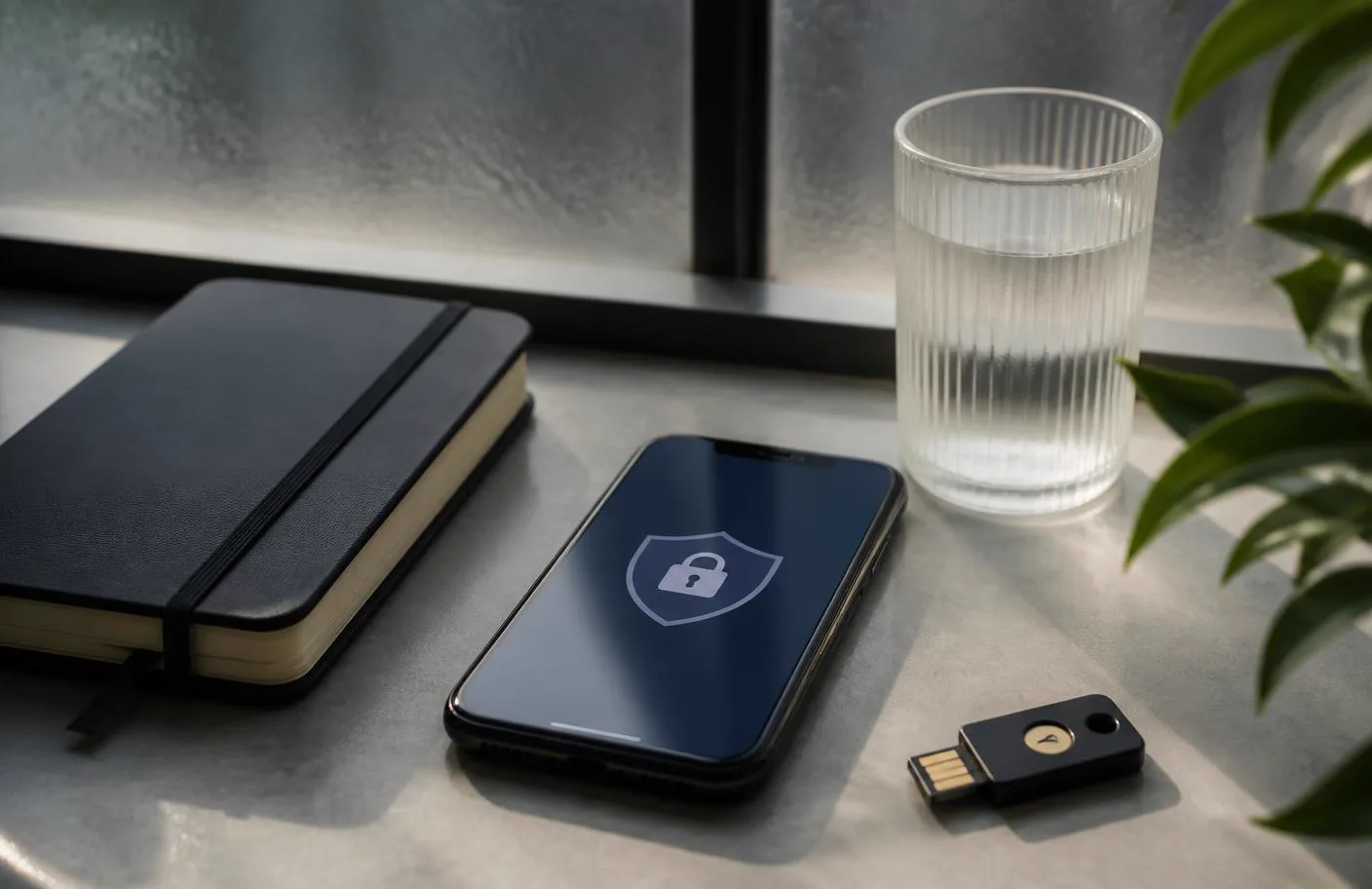
Hardware wallets are dedicated devices that keep keys offline and sign transactions inside the device without exposing the key. They cost money and add friction, which is the point.
Putting the approach into practice
This is the standard approach for anything you would be upset to lose. Even if your computer is infected, the key never leaves the device, and each transaction needs a physical confirmation.
Buy hardware wallets from the manufacturer directly. Devices from marketplaces and resellers have been tampered with, and some arrived pre-seeded with a recovery phrase already known to criminals.
Check that packaging is sealed and that the device starts in a blank state. A genuine device asks you to create a new recovery phrase. Never use a phrase that arrives printed on a card.
Custodial wallets sit between these options. The company holds the keys, and you log in with a password. That is simple, but it is the same as holding a balance on an exchange.
Now the recovery phrase. Both software and hardware wallets generate a list of words, often twelve or twenty-four, that rebuilds the wallet anywhere. It is sometimes called a seed phrase.
Whoever has that phrase has the funds, permanently and irreversibly. Treat it with more care than any password, because it bypasses every other protection, including device passcodes and two-factor codes.
So write it on paper, or stamp it into metal for durability. Do it by hand, check each word twice and store it somewhere private. Never rely on memory alone.
Never photograph it, never type it into a computer, and never store it in cloud notes, email or a messaging app. Any digital copy can be copied by malware or by anyone who gains access to the account.
Never enter it into any website or "support" request. Every legitimate wallet asks for it only when restoring, and only on the device itself. Anyone asking for it elsewhere is attempting theft.
Keep a second copy in a separate physical location. Fire, flood and loss are as common as theft. A copy kept at a trusted relative's home or in a safe deposit box covers that risk.



Trade-offs and checks
Balance the two dangers. Too many copies increase the chance of theft, while a single copy risks total loss. Two copies in two secure places is a sensible starting point for most people.
Related reading: Crypto Exchanges: How They Work and What to Check
Consider an optional passphrase. Some wallets allow an extra word that changes the wallet derived from the phrase. It adds protection but also another secret you must never forget or lose.
Plan for inheritance. If you were unable to act, could anyone find and use your holdings? A sealed letter describing where to look, kept with legal documents, solves this without exposing the phrase to everyone.
Then test recovery before you rely on it. Move a small amount in, wipe or reset the device, restore from the phrase and confirm the funds reappear. This proves the backup works.
Discovering the phrase was written down wrongly at the moment you actually need it is a common and total loss. A few minutes of testing now prevents that outcome.
Learn the common ways people lose access. They include lost phrases, damaged paper, forgotten passphrases, sending to the wrong address, and giving the phrase to a fake support agent.
Beware of fake wallet apps. Copycat apps have appeared in official app stores and search results. Download only from links on the wallet maker's official website, and check the developer name.
Be careful with approvals. Connecting a wallet to a site can grant permission to move tokens. Read each prompt, reject anything unexpected and use a separate wallet for experimenting with unfamiliar sites.
Check every address before sending. Malware can swap a copied address for the attacker's. Compare the start and end characters on the screen of a hardware wallet, and send a small test first.
Keep devices and software updated. Wallet makers fix security flaws regularly. Install updates only from the official app or the manufacturer's own tool, never from emails or links in messages.

Making your next decision
Separate your holdings by purpose. A small software wallet for daily use and a hardware wallet for long-term holdings limits the damage if one is compromised. It mirrors how people split cash and savings.
Do not rush into self-custody if you are unsure. Learn with a trivial amount, until the steps feel routine. A cautious start costs little, while a mistake on a large balance cannot be fixed.
Understand what a wallet does not protect against. It cannot stop you approving a scam, sending to a wrong address or trusting a fake website. Security depends on habits as much as on devices.
Be wary of unsolicited contact. Messages offering help recovering funds, free tokens or urgent wallet upgrades are standard tactics. Close the conversation and go to the maker's official site yourself.
Keep a short written checklist for yourself covering setup, backup, test recovery and updates. Following the same steps each time reduces mistakes, especially when you set up a new device years later.
Check what happens to a hardware wallet that is damaged or discontinued. Because the phrase rebuilds the keys, you can usually move to another compatible device, provided the phrase standard is supported.
Finally, review your setup once a year. Confirm the phrase copies are intact and readable, the device still works and the software is current. A yearly check catches decay before it becomes loss.
Related reading: Crypto Scams: The Red Flags That Drain Wallets
The verdict is clear. A wallet is a key manager, and the recovery phrase is the real asset. Choose a wallet type that matches the amount at stake, and buy any hardware directly from its maker.
Write the phrase on paper, keep two copies apart, test recovery, and never enter it anywhere except the device. Confirm instructions on the manufacturer's official site, because details differ between products.


Chapter 03 · Key highlights & takeaways
Key highlights & takeaways
- Wallets hold keys, not coins.
- Hardware wallets suit holdings you would hate to lose.
- Anyone with your recovery phrase controls the funds.
- Test recovery with a small amount first.
Watch out for: General information only, not financial advice. Lost or exposed recovery phrases mean permanent loss, and nobody can reverse or recover it.
Practical steps
- Match the wallet type to the amount at stake.
- Buy hardware wallets directly from the manufacturer.
- Write the phrase on paper and keep two copies in separate places.
- Restore a test wallet from the phrase before adding larger amounts.
People also viewed
Chapter 04 · Before you decide
Pros, cons & decision checklist
Pros, cons and who it suits
Pros
- ✓ A wallet manages keys, not coins
- ✓ Hot wallets trade safety for convenience
- ✓ Hardware wallets keep keys offline
Cons
- – General information only, not financial advice
- Best for
- Readers who can confirm this: Bought or downloaded directly from the official maker
- Skip if
- General information only, not financial advice. Lost or exposed recovery phrases mean…
Three checks to make before acting on this guide.
| Check | What good looks like |
|---|---|
| Wallet source | Bought or downloaded directly from the official maker |
| Recovery phrase storage | Paper or metal, two separate private locations |
| Recovery test | Restored successfully with a small amount first |
Verdict: start with the smallest reversible version, then expand using real results.

Chapter 05 · FAQ
Frequently asked questions
What is a recovery phrase?
A list of words that rebuilds your wallet and keys on any compatible device.
Are hardware wallets completely safe?
No.
Can I store my phrase in a password manager?
Most guidance advises against any digital copy, since malware or account access can expose it.
What if I lose my hardware wallet?
You can restore the keys on a new device using the recovery phrase, which is why the backup matters.
Does support ever need my phrase?
No.
Is a custodial wallet the same as self-custody?
No.
Chapter 06 · Final verdict & next steps
Final verdict & next steps
Self-custody means you alone are responsible.
Never type your phrase anywhere except the device.
Confirm setup steps on the maker's official site.
Do this next
Your next steps
- 1Match the wallet type to the amount at stake.
- 2Buy hardware wallets directly from the manufacturer.
- 3Write the phrase on paper and keep two copies in separate places.
- 4Restore a test wallet from the phrase before adding larger amounts.
Keep reading
Sources: official vendor pages where a product is mentioned. Last reviewed 15 September 2026; prices are not quoted here, so confirm current prices and terms on the official site.
What to do next
Pick the smallest useful step from this guide and complete it before adding another tool or plan.
Related guides
Akacen Media editorial team
Independent, practical publishing
Akacen Media covers online business, money, security and software. Guides combine careful research with practical checks, clearly marked partner links and no paid rankings.
About Akacen MediaHow we reviewContactYouTubePinterestInstagramTikTok
Some links on this page are affiliate links. If you sign up through them we may earn a commission at no extra cost to you.
General information only — not financial advice.
Crypto is highly volatile and you can lose the full amount.
Read more about who publishes this on the publisher profile.