 Akacen Media
Lifestyle
Software Subscription Audit: Stop Paying for Unused Tools
Chapter 01 · Short answer
The short answer
Stop paying for unused tools by exporting a year of statements, listing every recurring charge, and sorting each into keep, review or cancel. Cancel anything unused for three months. Set a renewal reminder when you buy any annual plan, and repeat the audit every six months.
Why subscriptions accumulate invisibly, how to audit yours properly, and a simple rule that stops it happening again.
Independently researched
Affiliate disclosure: Akacen may earn a commission if you buy through links on this page, at no extra cost to you.

How we review and verify tools
- Features, plans and trials are checked against the merchant's official website.
- We cite independent sources and never publish invented prices, ratings or guarantees.
- Paid partner links are always disclosed and never change what we write.
- Pages are re-checked and corrected when merchants change their offers.
Key takeaways
Akacen Media Verified Summary
- Audit from records, not from memory.
- Cancel anything unused for three months.
- Set a renewal reminder when you buy an annual plan.
In this guide
Key highlights
How to build a full list of subscriptions, sort them, spot trial and duplicate traps, set renewal reminders and test business tools before cutting them.
Key highlights
- 1Annual plans hide best
- 2Check app store lists separately
- 3Unused for three months means cancel
- 4Reminders before each renewal
- 5Audit twice a year

Chapter 02 · Practical guide & setup
Practical guide & setup
Context and priorities
How do you stop paying for tools you do not use? Export a year of statements, list every recurring charge, sort each into keep, review or cancel, and repeat the audit every six months with renewal reminders set.
Subscriptions are designed to be forgotten. Small monthly amounts, automatic renewal and no moment where you are asked to decide again mean the total creeps up while attention stays elsewhere.
Audit from records, not from memory.
Related reading: Home Office Setup: Stop Neck Pain and Work Comfortably
This guide covers how to build a complete list, how to sort it, the patterns that cause waste, the rules that stop it returning, and a separate test for business tools.
Audit properly rather than from memory. Memory finds the services you think about, and the waste sits in the ones you do not. Start with the records, not with a guess.
Export a year of bank and card statements, sort by merchant, and mark every recurring charge. Include annual ones, which hide best because they appear once and are forgotten by the next renewal.
Check every account you pay from: personal cards, business cards, any payment service linked to your email and any shared household account. A tool paid on an old card is easy to miss.
Check app store subscription lists separately, since they do not always appear clearly on statements. Both major phone platforms have a subscriptions page in the account settings.
Search your email for words such as receipt, renewal, trial, invoice and subscription. Billing emails often reveal services that statements describe only by an unfamiliar company name.
Put everything in one table with these columns: name, what it does, who uses it, billing cycle, renewal date, cost per year and how to cancel. The annual figure makes the real cost clear.
Then sort each item into three groups. Used regularly and worth it: keep. Used occasionally: check whether a cheaper tier, an annual plan or paying per use costs less. Not used in three months: cancel today.
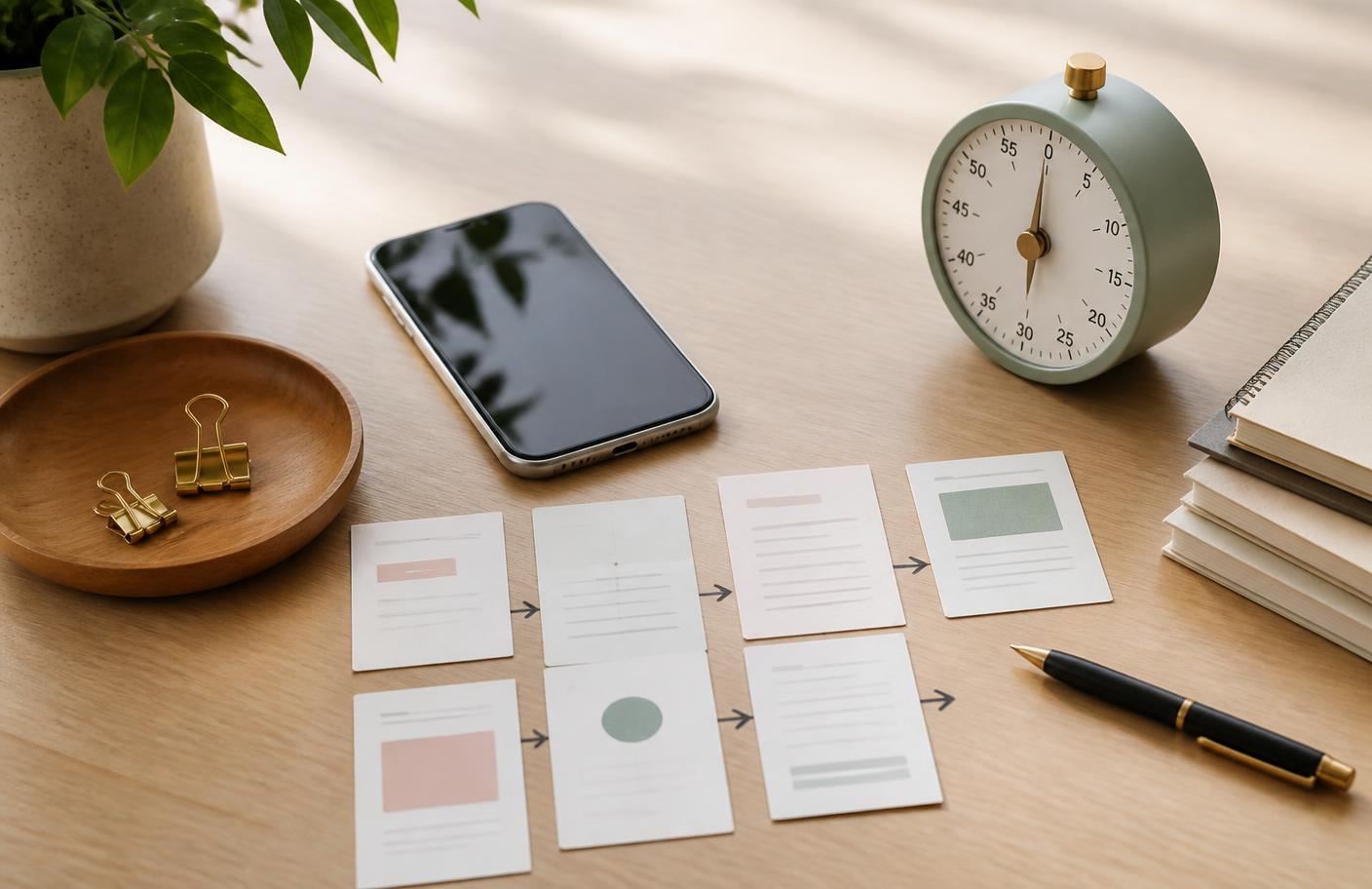
Putting the approach into practice
You can always resubscribe, and you almost never do. Before cancelling, export any data you want to keep, because some services delete content soon after an account ends.
For the middle group, look at real usage. Open the account and check when you last logged in. Many services show activity or a last-used date that settles the question without guesswork.
Check whether a downgrade is possible. Many services offer a lower tier with the features you actually use. Confirm current plans and prices on the official site, since they change.
Watch the patterns that cause the problem. Free trials that require cancelling before a date you will not remember. Annual plans bought for a short project. Duplicate tools doing the same job.
Another common leak is a family or team plan still being paid for after people have left. Review who is on each plan, and remove seats nobody uses.
Overlap hides in bundles. If a streaming, storage or software bundle already includes something you pay for elsewhere, you may be buying it twice. Compare what each plan includes.
Be careful with free trials. Set a calendar reminder the moment you sign up, two days before the trial ends, and cancel in the account settings rather than by deleting the app.
If you want to try something, consider a payment method with a clear limit, or a virtual card where your bank offers one. A limit reduces the damage of a forgotten trial.
Two rules prevent recurrence. First, diarise a renewal reminder a week before every annual plan the day you buy it. Second, run this audit every six months. It takes half an hour and reliably finds money.



Trade-offs and checks
Add a third habit: whenever you sign up for something new, add it to the table that day. A list that is updated at the moment of purchase never needs a big clean-up.
Related reading: Business Travel Rewards: Earn Flights From Normal Spend
Give the list an owner and a date. If you run a household or team, decide who reviews it, and put the next review in the calendar before you close the document.
For business tools, apply one more test: does cancelling this cost me more than it saves? If cancelling would cost billable time, lost clients or risk, the tool is earning its place.
If you cannot answer, the tool is not earning its place yet. Ask what job it does, who relies on it and what you would do without it for a month.
Check the tax side. Business subscriptions may be deductible, and keeping invoices tidy makes your end-of-year records easier. Confirm what applies to you with a registered adviser.
Do not cancel what protects you. Backups, password managers, security software and accounting tools can look quiet because they work in the background. Check their role before cutting them.
Cancel properly and check. Save the confirmation, look at the next statement to confirm no further charge, and contact the provider or your bank if a charge continues after cancellation.
Think about how the total looks. Twenty small charges of a few dollars each can add up to a sum you would never agree to in one purchase. Seeing the annual figure beside each line is often what motivates action.
Be honest about aspiration subscriptions. Courses, magazines, fitness apps and learning platforms are bought with good intentions and used for a fortnight. If you have not opened one in a quarter, the intention has expired.

Making your next decision
Check for price rises. Many services increase prices after a first period, and the new amount may be higher than you remember. Compare the current charge on your statement with what you originally agreed to pay.
Look at who else could share. Some services allow a family, household or team plan that costs less than separate accounts. Check the official terms for eligibility, because sharing outside the rules can lead to suspended accounts.
Consider pausing instead of cancelling. Some services let you pause for a few months, which suits seasonal tools. Confirm on the official site whether pausing is offered and whether your data is kept.
Make cancelling easy for your future self. Record the login email, the account name and the cancellation path in your table. When you decide to stop something, you want it to take five minutes, not an afternoon.
Look at your bank's tools. Many banks and card apps list recurring payments or let you block a merchant. Use these as a backstop, but do not rely on them alone, because not every charge is tagged as recurring.
Weigh the cost of switching, too. Moving to a cheaper tool can mean migrating files, retraining and fixing integrations. Count that effort before switching for a small saving, and switch only if the saving is worth it over years.
Set a monthly budget for tools. Having a ceiling makes each new subscription a trade-off against existing ones, which stops the list growing by default and makes adding something a conscious decision.
Related reading: Business Skills to Learn: What to Read, Watch and Skip
Share the findings. If you work with a partner or team, tell them what you cancelled and why, so nobody quietly restarts a duplicate. A short message avoids three people paying for the same tool.
Verdict: build the list from records, sort into keep, review and cancel, and cut whatever you have not used in three months. Set renewal reminders, audit twice a year, and test business tools against what cancelling would cost.


Chapter 03 · Key highlights & takeaways
Key highlights & takeaways
- Audit from records, not from memory.
- Cancel anything unused for three months.
- Set a renewal reminder when you buy an annual plan.
- Repeat the audit every six months.
Watch out for: Export any data before cancelling, and keep security and backup tools unless you have a replacement. Confirm current plans and cancellation terms on each official site.
Practical steps
- Export twelve months of bank and card statements.
- List each recurring charge with its annual cost.
- Sort into keep, review and cancel, then act the same day.
- Diarise renewals and book the next audit.
People also viewed
Chapter 04 · Before you decide
Pros, cons & decision checklist
Pros, cons and who it suits
Pros
- ✓ Annual plans hide best
- ✓ Check app store lists separately
- ✓ Unused for three months means cancel
Cons
- – Export any data before cancelling, and keep security and backup tools unless you have a…
- Best for
- Readers who can confirm this: Statements, app stores and emails all checked
- Skip if
- Export any data before cancelling, and keep security and backup tools unless you have a…
Three checks to make before acting on this guide.
| Check | What good looks like |
|---|---|
| Complete list | Statements, app stores and emails all checked |
| Each item sorted | Keep, review or cancel with annual cost |
| Reminders set | Renewals diarised, next audit booked |
Verdict: start with the smallest reversible version, then expand using real results.

Chapter 05 · FAQ
Frequently asked questions
How do I find hidden subscriptions?
Check statements, app store lists and email receipts for recurring or annual charges.
How often should I audit?
Every six months.
Should I cancel annual plans early?
Check the terms.
What about free trials?
Set a reminder when you sign up and cancel in account settings before the end date.
How do I test a business tool?
Ask whether cancelling would cost you more than it saves in time, clients or risk.
Will I regret cancelling?
Rarely.
Chapter 06 · Final verdict & next steps
Final verdict & next steps
Waste hides in what you stop noticing, so work from records.
Reminders at the time of purchase prevent most surprise renewals.
A half-hour audit twice a year is cheap insurance.
Do this next
Your next steps
- 1Export twelve months of bank and card statements.
- 2List each recurring charge with its annual cost.
- 3Sort into keep, review and cancel, then act the same day.
- 4Diarise renewals and book the next audit.
Keep reading
Sources: official vendor pages where a product is mentioned. Last reviewed 15 September 2026; prices are not quoted here, so confirm current prices and terms on the official site.
What to do next
Pick the smallest useful step from this guide and complete it before adding another tool or plan.
Related guides
- Home Office Setup: Stop Neck Pain and Work Comfortably
- Business Travel Rewards: Earn Flights From Normal Spend
- Business Skills to Learn: What to Read, Watch and Skip
- Solo Business Burnout: How to Keep Going Without Crashing
- Explore Lifestyle
- Browse every Digital Business topic
- See the full index of guides
Akacen Media editorial team
Independent, practical publishing
Akacen Media covers online business, money, security and software. Guides combine careful research with practical checks, clearly marked partner links and no paid rankings.
About Akacen MediaHow we reviewContactYouTubePinterestInstagramTikTok
Some links on this page are affiliate links. If you sign up through them we may earn a commission at no extra cost to you.
Read more about who publishes this on the publisher profile.